


Live Home 3D Pro: A Powerful Design Tool for Mac Users
We’ve all had that moment—staring at an empty wall or an open space and wondering, “What if?” What if that wall came down? What if the kitchen had an island? Or the backyard featured a multi-level deck? With Live Home 3D Pro for macOS, those ideas don’t stay in your imagination—they turn into detailed, visual plans you can actually explore.
This software bridges the gap between professional-grade architectural tools and everyday creativity. While the standard version works well for simple updates, the Pro version is where things really open up. It’s designed for anyone who wants full creative freedom and precise control over every detail of their space.
Easy to Use, Yet Packed with Advanced Features
One of the standout qualities of Live Home 3D Pro is how approachable it feels. Unlike traditional CAD programs that can seem outdated or overly complex, this app fits right into the modern Mac experience—clean, smooth, and intuitive.
Start with a 2D Plan
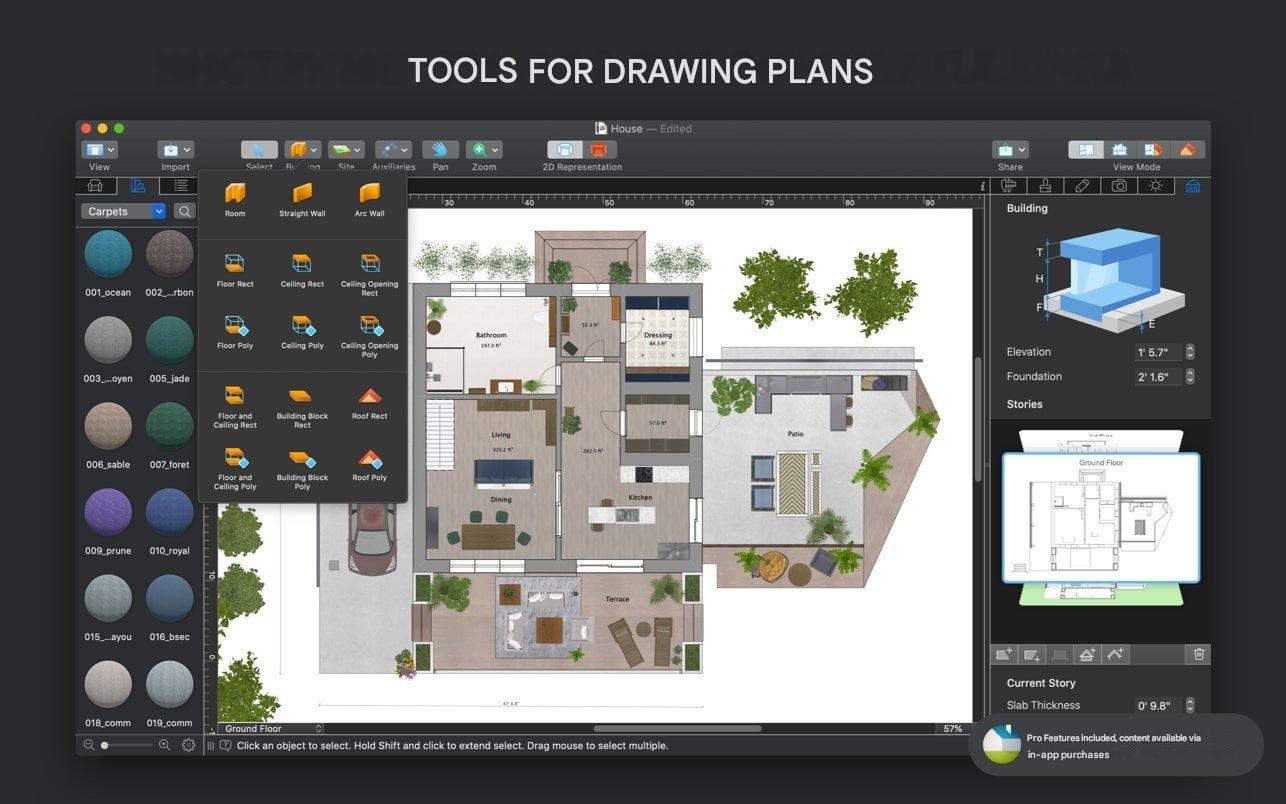
Begin by sketching your layout using simple point-and-click controls. As you draw, the software automatically builds a 3D version of your design in real time, saving you effort and making the process feel seamless.
Design in 3D
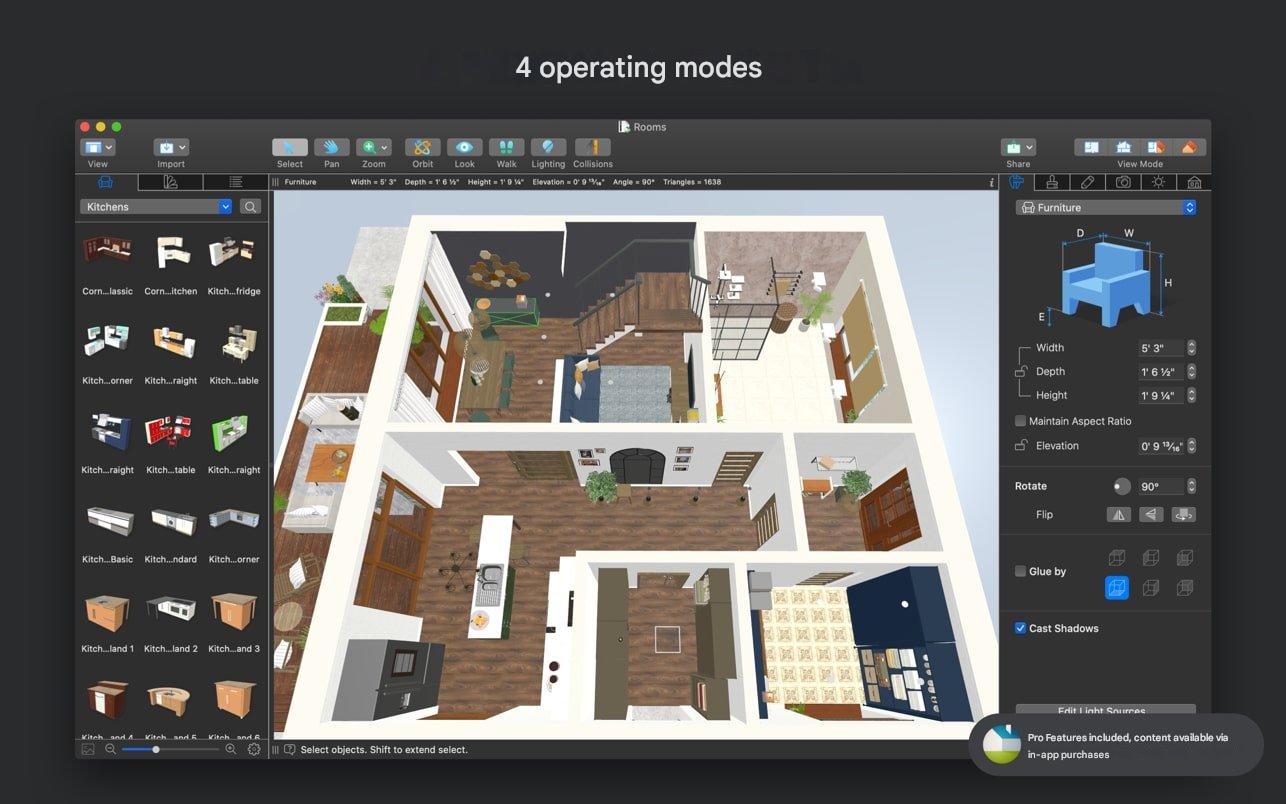
Browse through a library of over 2,400 objects to furnish and decorate your space. If you can’t find exactly what you’re looking for, you can import additional models directly from Trimble 3D Warehouse™, expanding your options even further.
Create Realistic Visuals
With advanced rendering engines like Cycles and AMD Radeon™ ProRender, you can produce highly realistic images that look like professional photographs—perfect for presentations or personal projects.
Showcase in High Quality
When your design is ready, export it as an Ultra HD video walkthrough or generate immersive 360° panoramas. These features make it easy to share your vision in a way that truly stands out—whether you’re presenting to clients or showing your plans at home.
More Than Just “Interior Design”
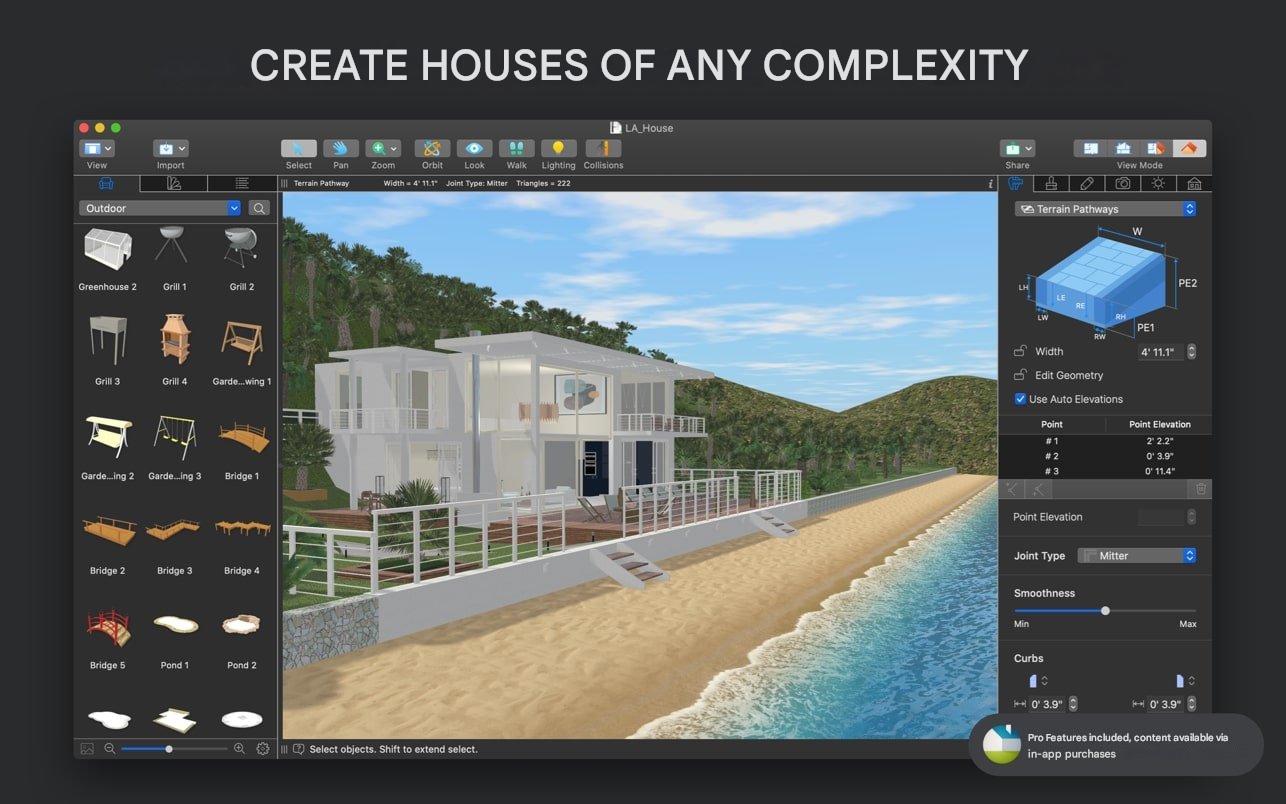
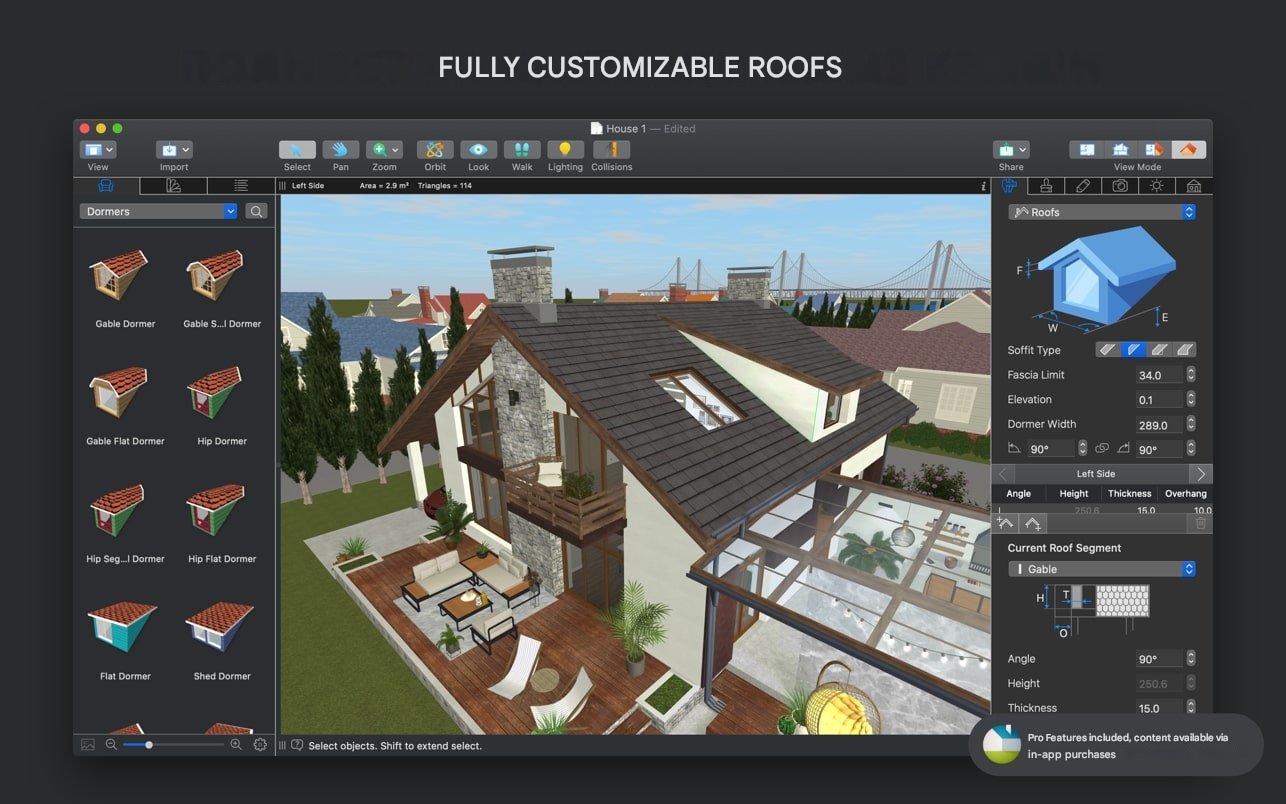
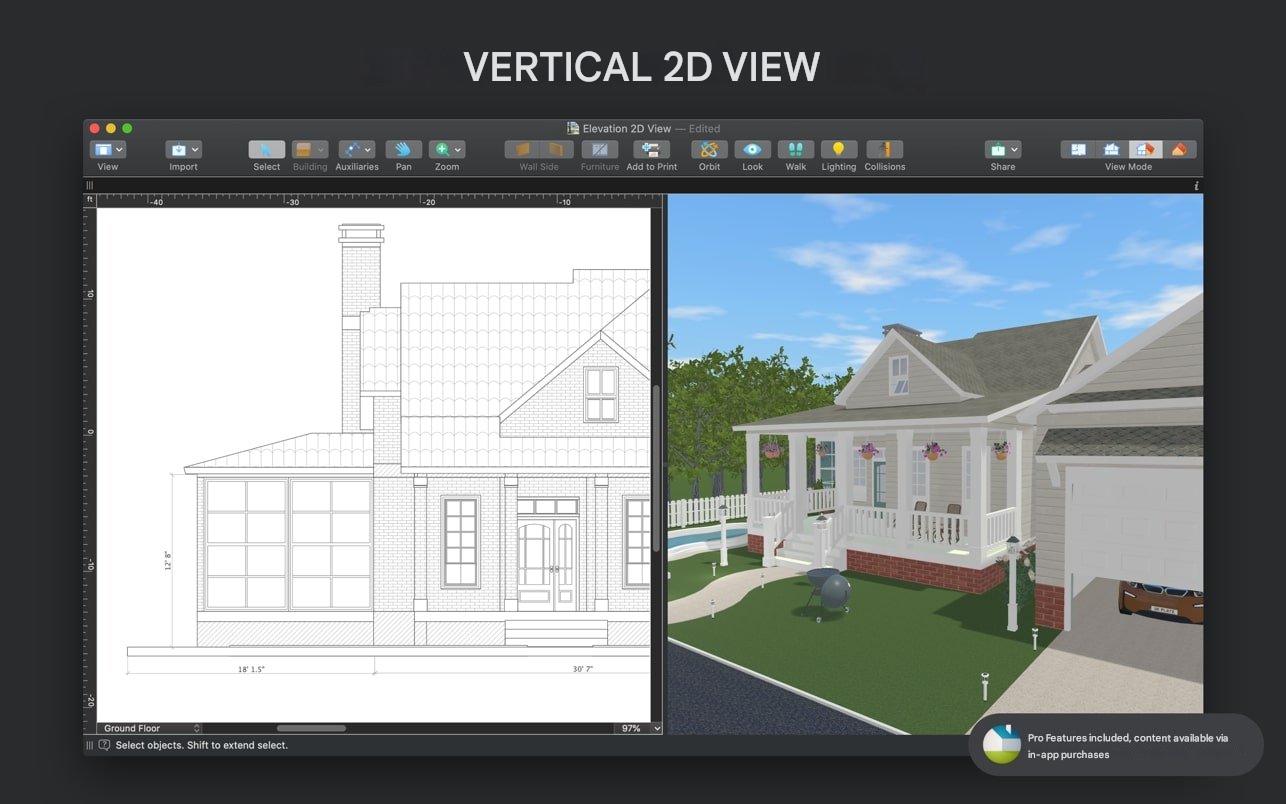
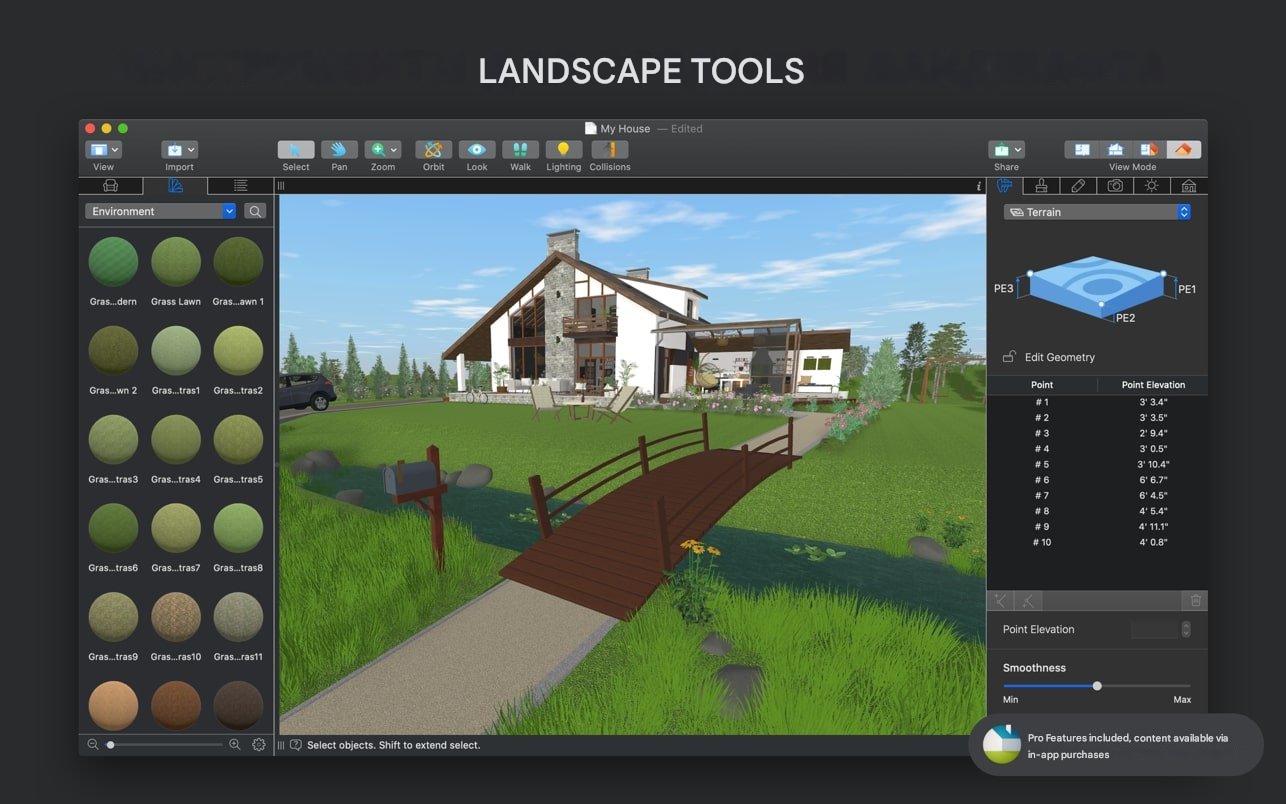
Whether you’re a seasoned interior designer presenting ideas to clients or a homeowner gearing up for a big renovation, this software adapts to your needs. It’s built to handle everything from simple layouts to highly detailed projects. You can work with multiple floors, design custom-shaped roofs, and even build your own elements for furniture or architectural features—giving you full creative control.
Bonus Feature: Try the Geolocation tool to preview how natural light will fall into your space at specific times—like 4:00 PM on a Tuesday in October. It’s a simple way to avoid issues like screen glare or poorly lit corners.
Ready to Bring Your Vision to Life?
Live Home 3D Pro isn’t just another design app—it’s a creative space where your ideas can take shape. It runs smoothly, performs exceptionally well on Apple Silicon devices (M1/M2/M3/M4), and is designed to keep up with your imagination.





Leave a Comment