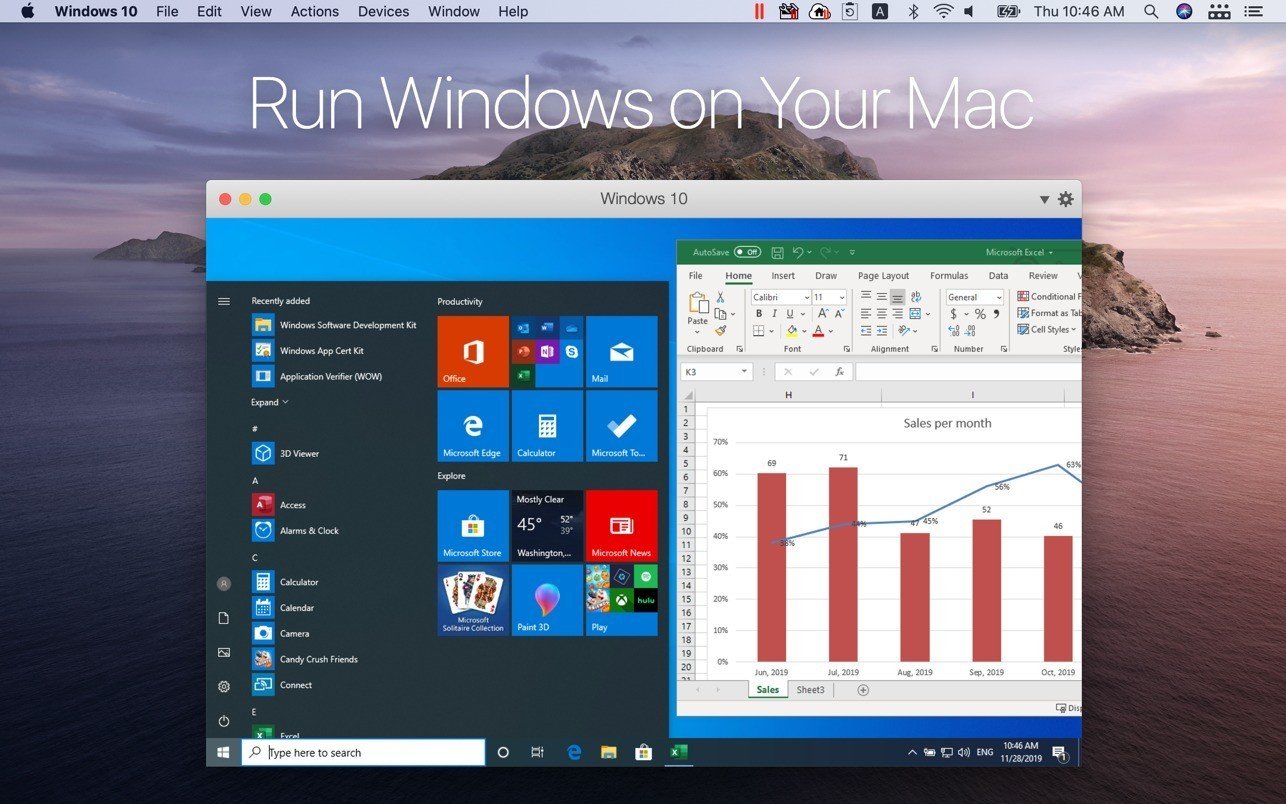
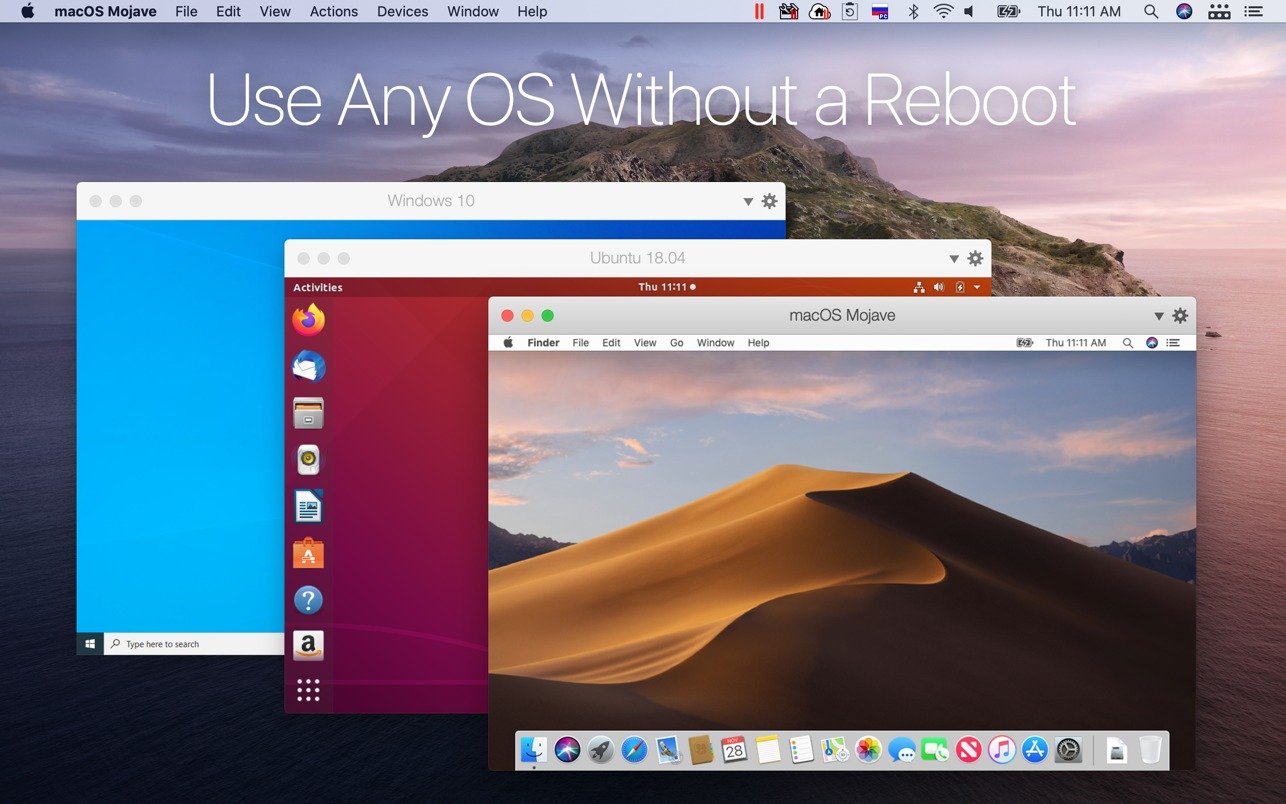
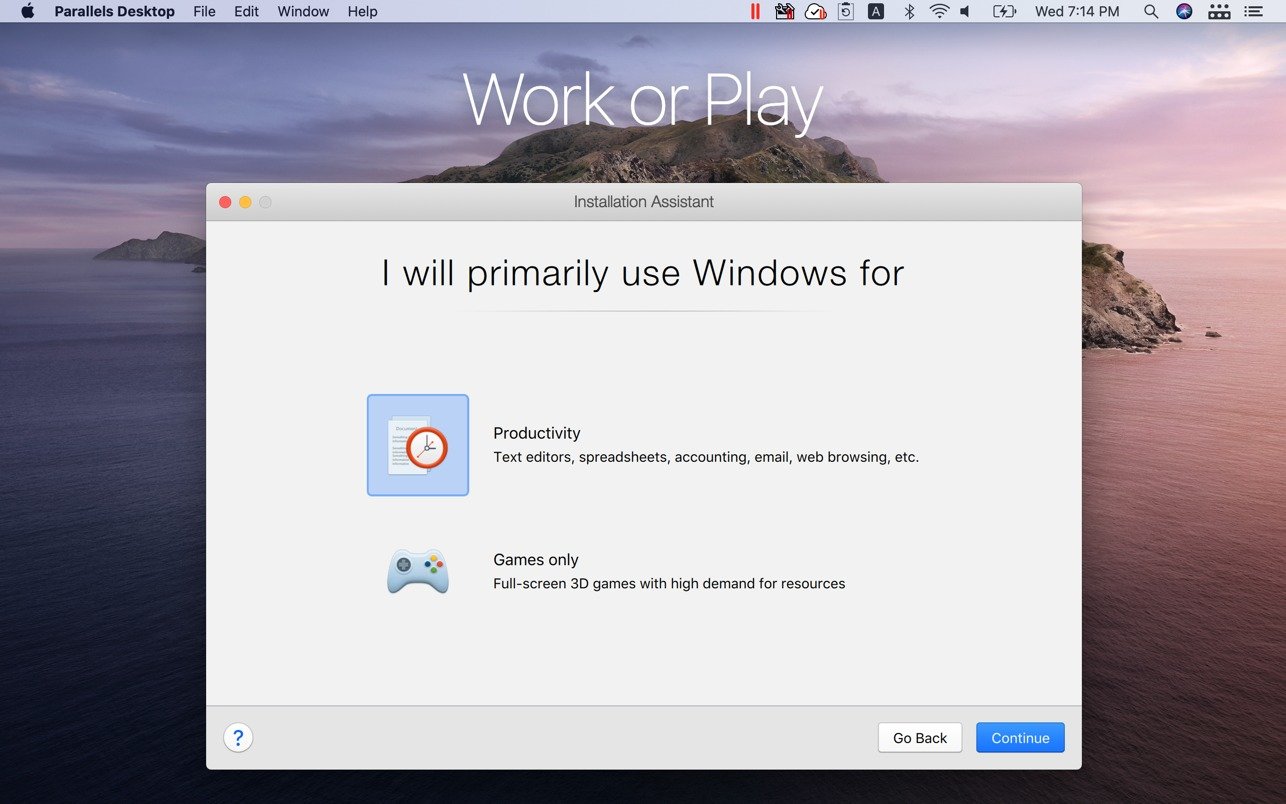
Parallels Desktop can assist you if you need to transfer data while moving from a PC to a Mac or if you need to use Windows programs that aren’t compatible with Macs. On your MacBook, MacBook Pro, iMac, iMac Pro, Mac mini, or Mac Pro, run Windows alongside macOS (no reboot needed). Drag and drop files between Mac and Windows apps, copy and paste text and images, and share files and folders.

Setup takes only a few minutes because Parallels Desktop automatically determines what’s needed to get going. If installing Windows is necessary, the user will be given the option to choose an already-installed version of Windows, Linux, Ubuntu, or Boot Camp, or download and install Windows 10.

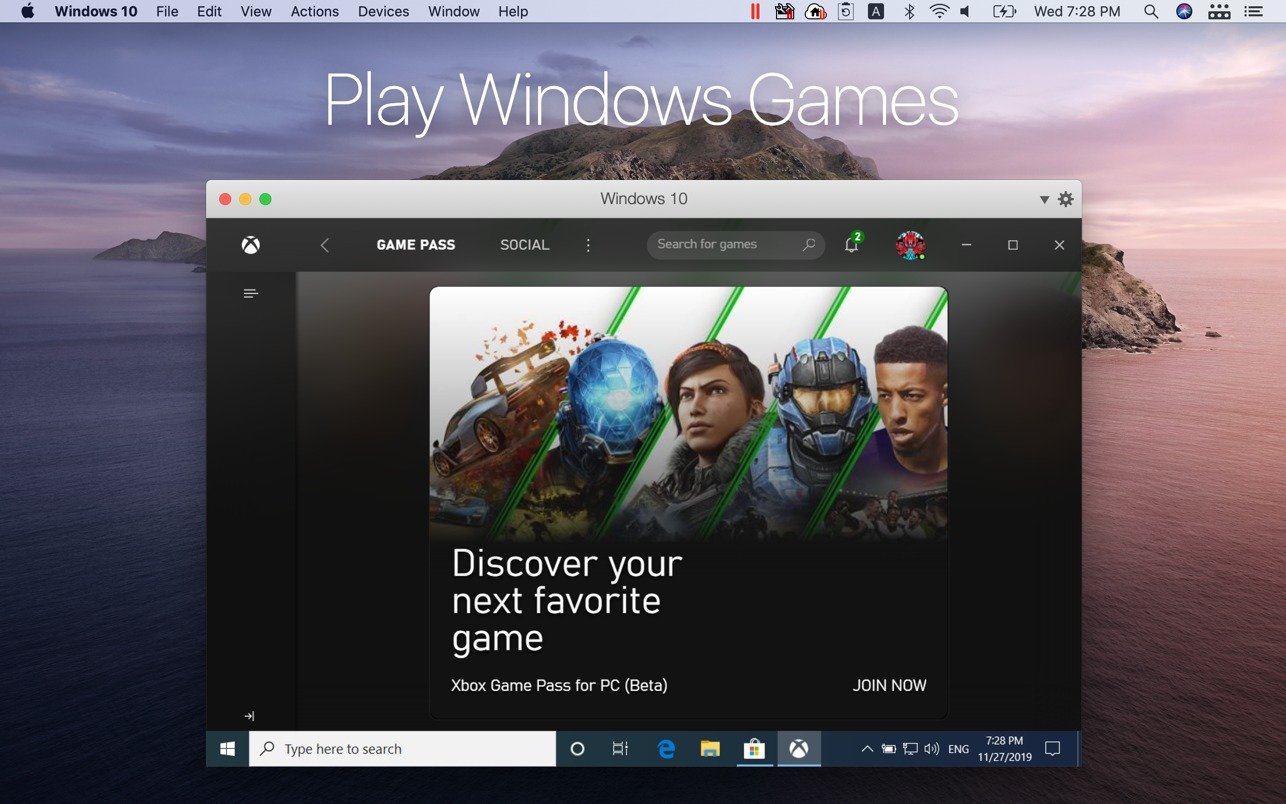
Windows programs that require a lot of resources, such as graphics, function flawlessly on your Mac. Without compromising performance, work with even the most demanding graphics programs, such as Adobe Photoshop, Visual Studio, or SketchUp.

When utilizing Windows apps in Coherence mode, the Windows interface will be obscured. You can make the Windows window fill the entire screen to simulate using a standard Windows PC if you’re not accustomed to working on a Mac.

Important Features

  • OS Compatibility: It can be used as both the host and guest operating system because it is fully tuned for macOS 26 “Tahoe.
  • Seamless Experience: “Coherence Mode, which runs Mac and Windows apps side by side so that Windows programs look as native macOS desktop windows, provides.
  • Strong x86 emulation on ARM, strong USB passthrough, and resource allocation of up to 128 GB of virtual RAM and 32 vCPUs per virtual machine (Pro/Enterprise editions) are all features of Apple Silicon Optimization.
  • Enhanced Productivity: Incorporates Dragon Medical One for voice-activated workflows, OBS Virtual Camera, and Apple Intelligence capabilities (in Word and Outlook).
  • Smart Storage: Prevents storage surprises and preserves responsiveness by accurately visualizing Mac drive space within Windows virtual machines.

Various Types

Standard Edition:

  • Perfect for regular users, students, and casual gamers who need to run Windows applications on a Mac.

Pro Edition:

  • Designed for developers and power users who require high-performance virtual machine capabilities, resource limitations, and sophisticated debugging tools.

Business & Enterprise Edition:

  • declarative deployment, Single Sign-On (SSO), Microsoft Intune enrollment, and centralized IT administration are all included.


Details

Version 26.3.3 57507
Developer Parallels International GmbH
Activation (RG) K'ed by Antibiotics
Compatibility macOS 13.3 and later
Size 210 MB
Interface Language Russian , English , German , Spanish , Italian , Simplified Chinese , French , Japanese

FAQ

Mount the downloaded image and follow the standard installation procedure. How to download the official Windows 10/11 image? Official images in Russian and English can be downloaded from our website: Download Windows 11 Download Windows 10
There are so many errors, we can't list them all here. Therefore, we've described all the solutions (with pictures) in the article: Errors when installing applications on a Mac
Official updates may result in loss of activation unless otherwise stated in the installation instructions. To update the software from this website, you must download the new version of the software from here (if available) and install it over the version currently installed on your computer. This will preserve your activation and settings for the software. Read more in the article: Updating pirated apps
To download large files, it is recommended to use any download manager, for example, FDM (Free Download Manager) For downloading from a file sharing service like Filen.io, it's not recommended to use Safari. Use Google Chrome or the aforementioned FDM browser, for example. To download files via torrent (.torrent file), you need a torrent client, such as Transmission or the aforementioned FDM. Please remember that providers may block access to some websites (1fichier.com, etc.). To bypass these blocks, it is recommended to use a VPN.
The site administration doesn't hack anything. That's the job of release teams and some enthusiasts. They're the ones responsible for ensuring updates are available. But you can hack software yourself by learning reverse engineering.
Definitely not in the comments. The site administration doesn't hack anything, and there's no order desk. However, you can order the software you need (not for free) in a special thread on forum.ru-board.com.
Open System Preferences -> General > Language & Region -> Applications - “+”. Select an app and language. This method works for most apps. The language in Adobe products is usually selected during the installation of the product itself. The language in games is usually changed in the game settings itself. There are exceptions. Don't hesitate to search for information online.
There are many options. The easiest is to use specialized app removal utilities, such as App Cleaner & Uninstaller. To remove Adobe products, use the Creative Cloud Cleaner Tool.
The site offers a paid service: remote assistance (via AnyDesk, Zoom, Skype) with the installation of any applications (not just those from this site) on any Mac or PC. Learn more...

Leave a Comment

Version 26.3.3 57507
Developer Parallels International GmbH
Interface language Russian , English , German , Spanish , Italian , Simplified Chinese , French , Japanese
Activation (RG) K'ed by Antibiotics
Compatibility macOS 13.3 and later
Size 210 MB
No threats found. Read more…
Published (edited): June 1, 2026 Views: 34


