


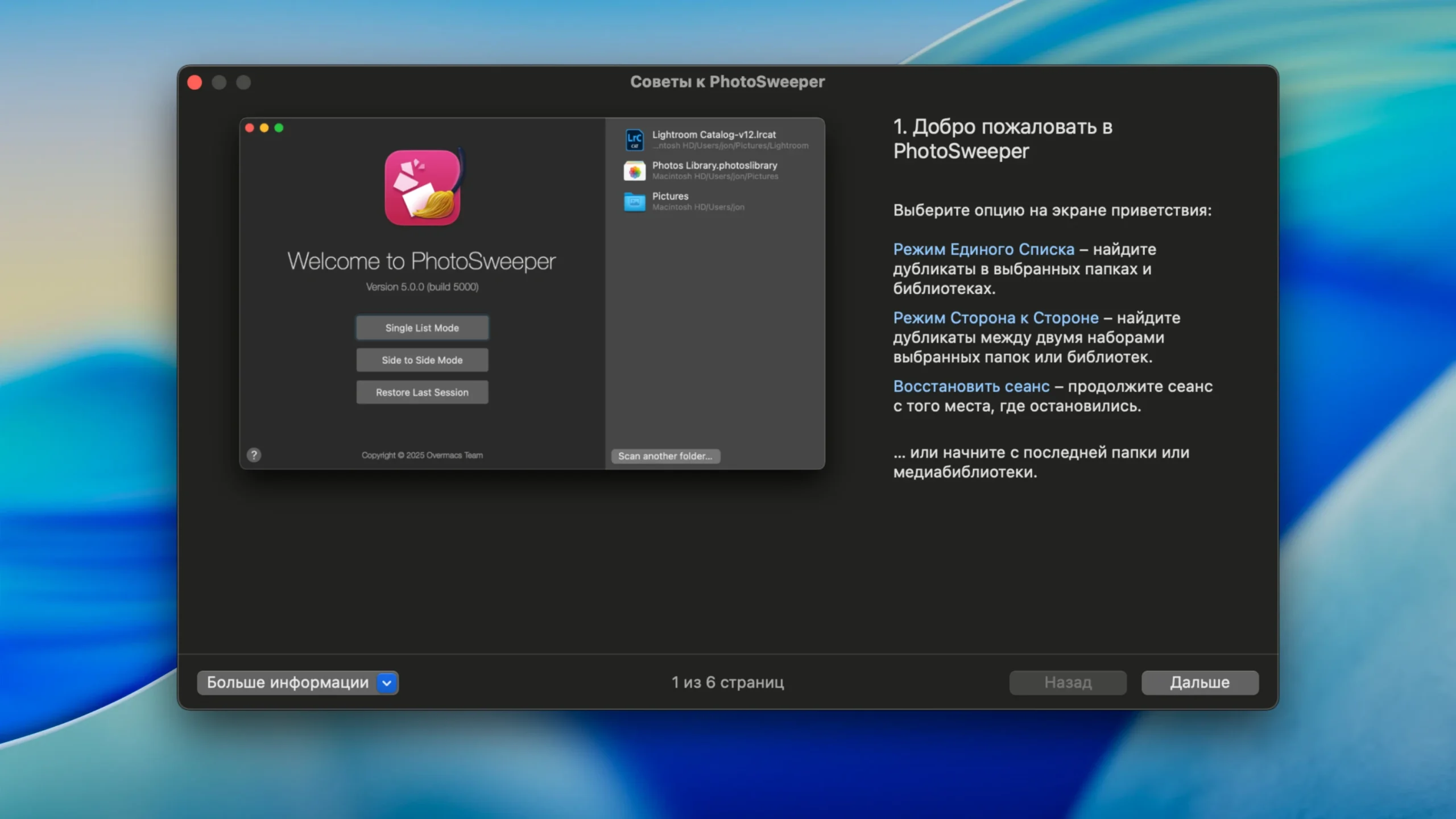
PhotoSweeper is a quick, precise, and very efficient tool for eliminating duplicate or similar photos. It is compatible with images from your hard drives and external storage devices, as well as images from libraries such as Apple Photos, iPhoto, Aperture, PhaseOne Capture One, and Adobe Lightroom.
You can use PhotoSweeper if:
- In an attempt to get the ideal outcome, you shoot multiple photos of the same scene.
- You use Photoshop, Pixelmator, and other tools to edit your images, and you create backups in case something goes wrong.
- You have images in your Apple Photos, iPhoto, Aperture, or Lightroom libraries, as well as on external and local hard drives.
- Your collection of photos is cluttered, or you simply want to clear up disk space by removing pictures that aren’t needed.
Functions/Features:
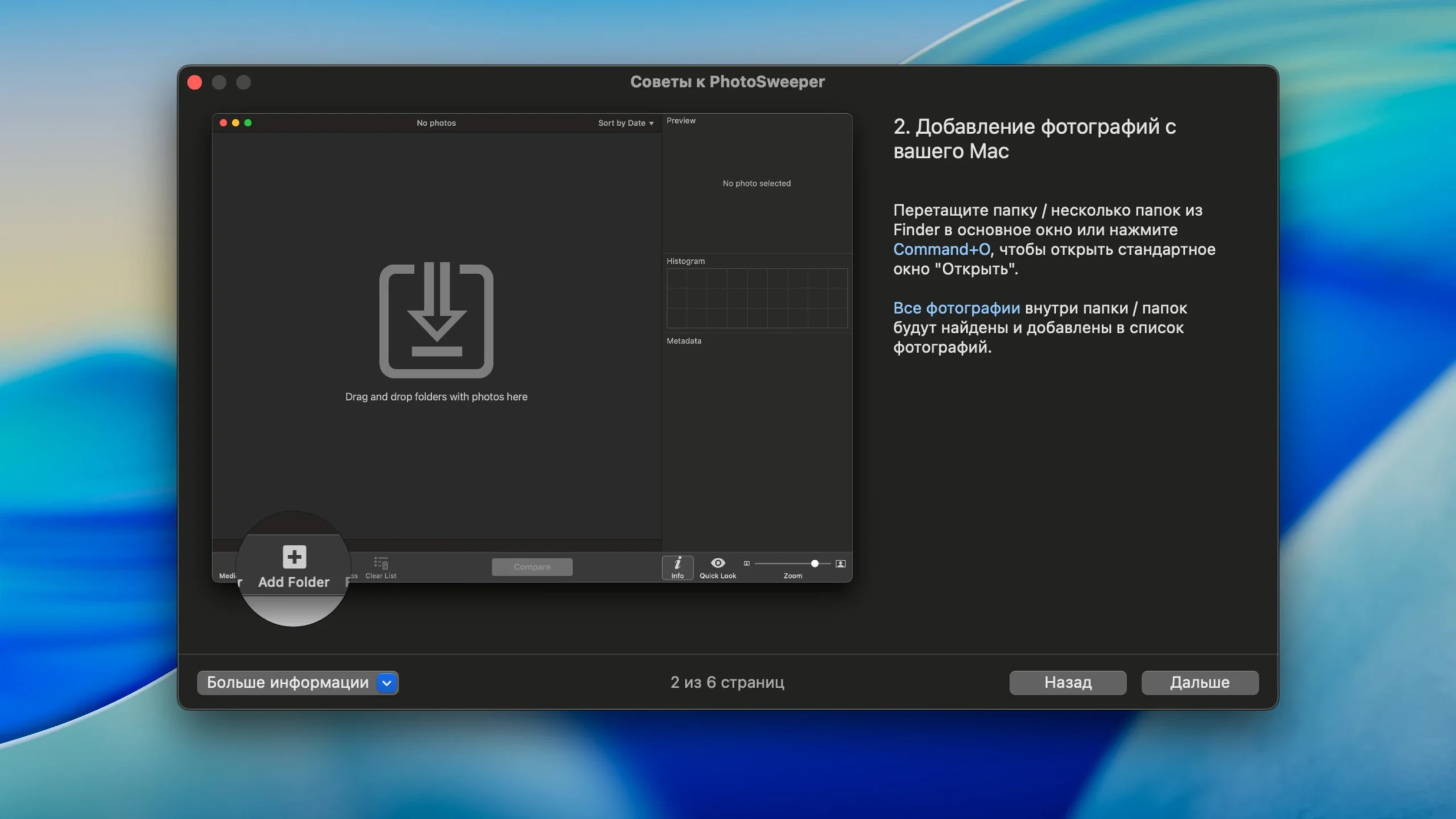
- Photo searches are simple. PhotoSweeper can locate all of the photos in folders by just dragging and dropping them from your Mac.
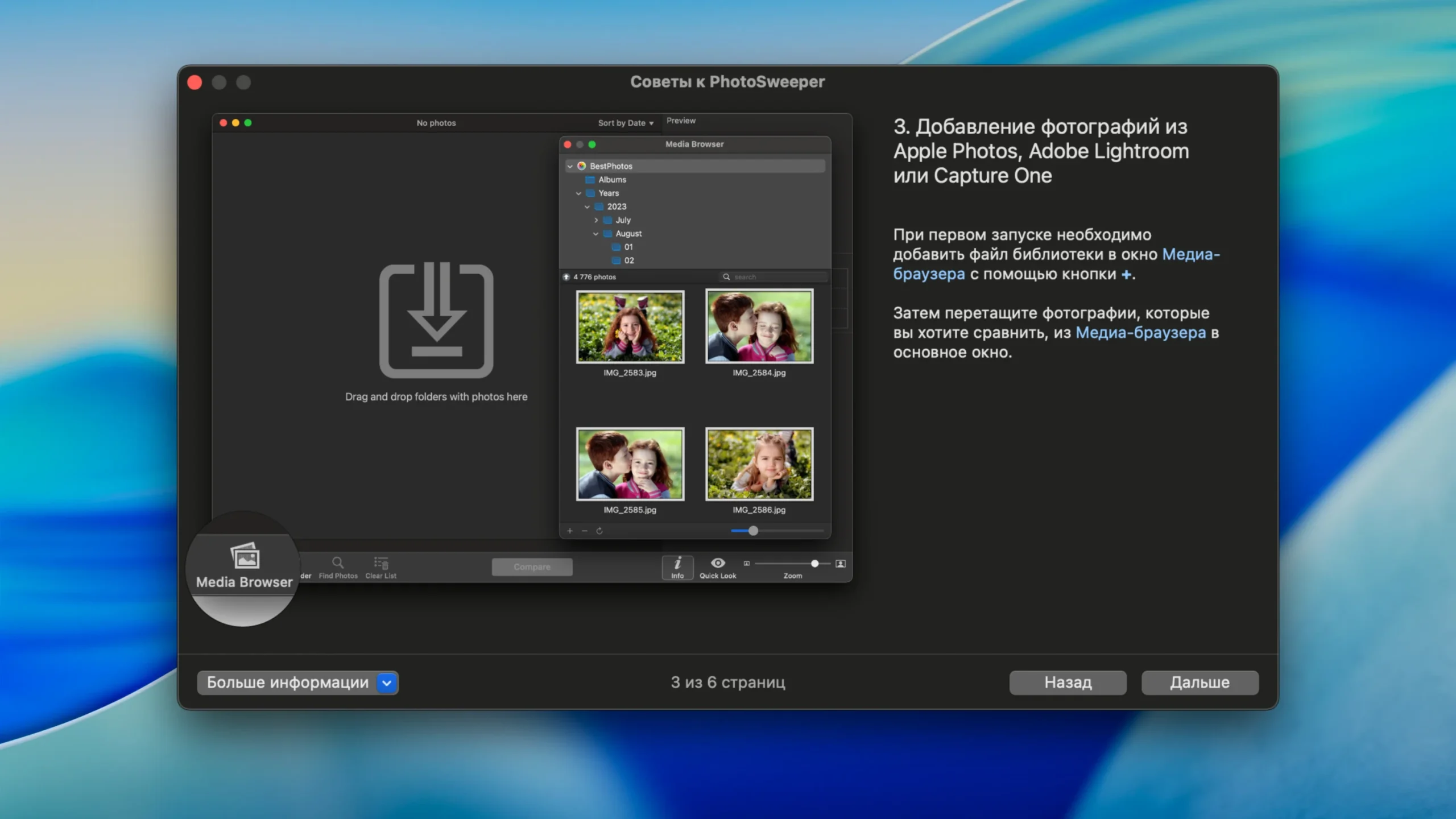
- Use the Media Browser window to add additional images from your Lightroom, Aperture, or iPhoto library.
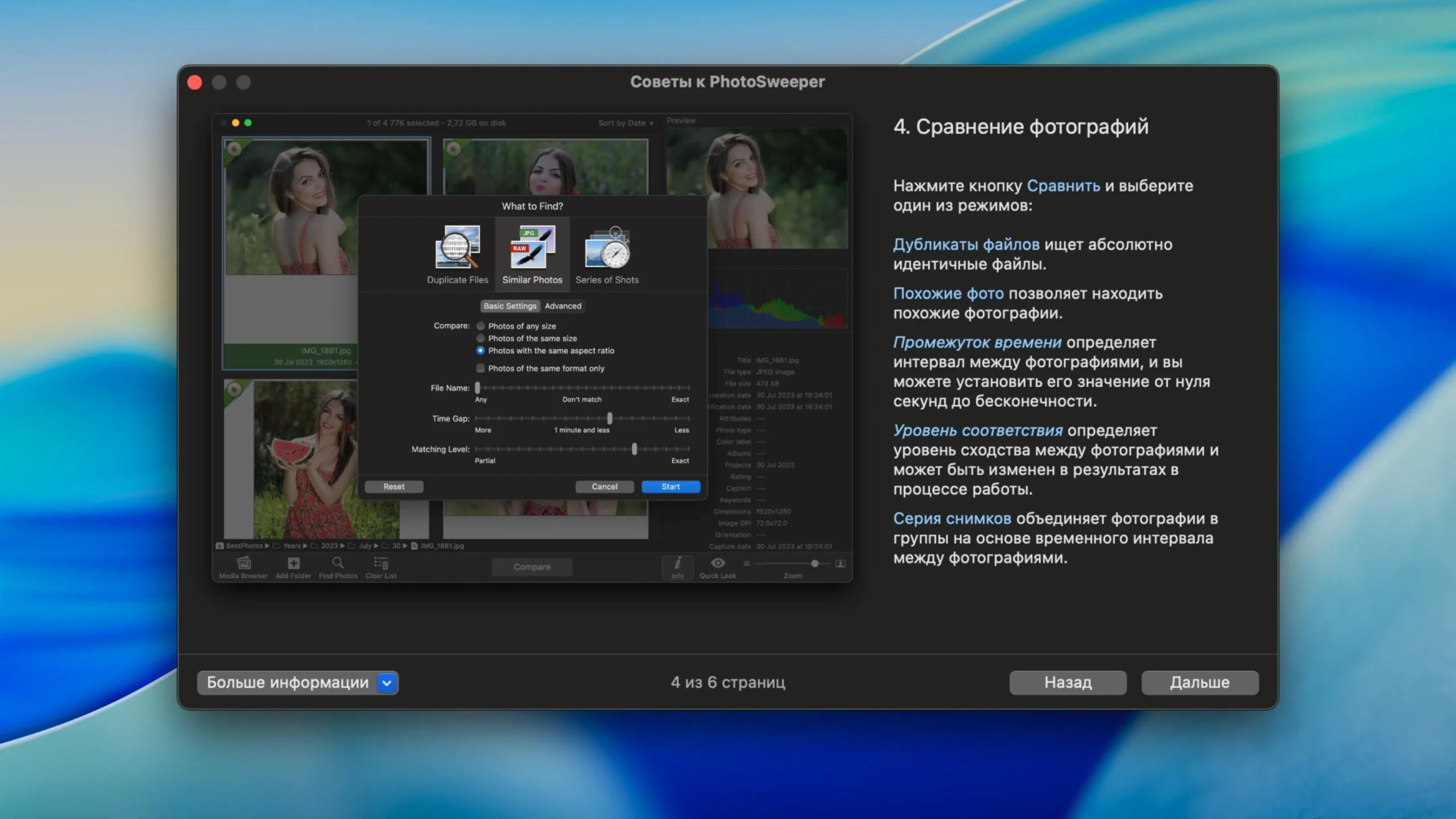
- Adaptable comparison parameters. Finding duplicates, related photographs, and photo series is made simple with powerful multi-settings.
- Regardless of size or format, the app detects duplicate images, including those that have been altered using third-party software like Photoshop.
- Excellent quality and speed: PhotoSweeper was created to compare enormous volumes of images very rapidly.
- Duplicate search is extremely quick and yields great comparison results thanks to cutting-edge technologies and original algorithms.
- Effectiveness. By using the slider to change the match level, you can rearrange the results without comparing photographs again. The next comparison is much faster when caches are used.
- Automatically mark duplicates: You may either manually mark the photographs you wish to remove or use the Auto Mark function, which will automatically mark duplicates based on a set of rules that you can modify in the settings.
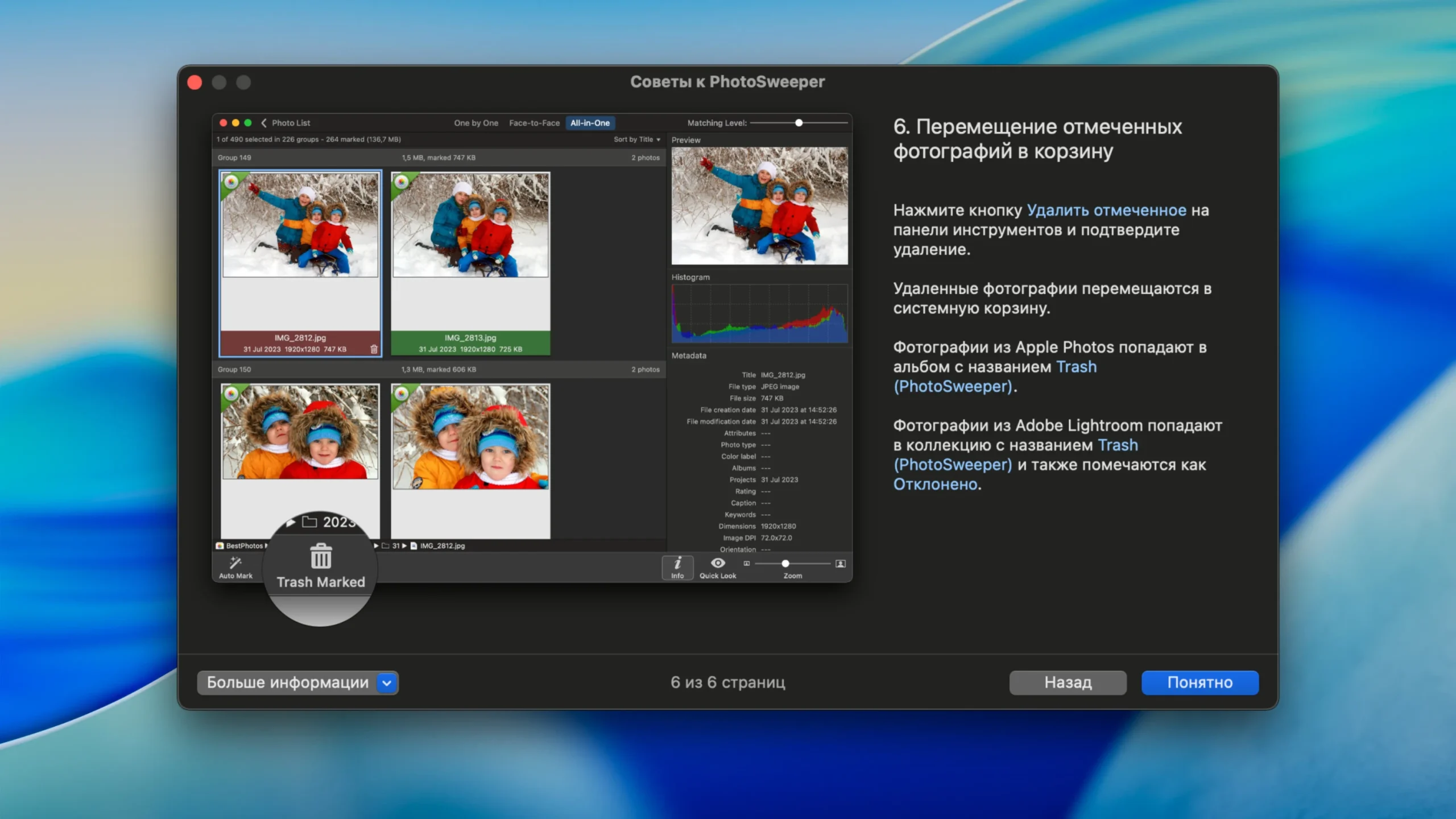
- Comfortable results viewing: PhotoSweeper offers three ways to see results: “One by one”; “Face to face,” which allows you to mark one or two huge photographs with a single click; and “All in one,” which displays all groups of duplicates in a single list.
- Excellent photo viewing: PhotoSweeper functions as a contemporary photo browser with integrated metadata-based photo search, a Quick Look preview, and an Info panel with comprehensive photo descriptions that include histograms and image metadata (EXIF, IPTC, etc.).





Leave a Comment