


An archiving and decompression tool called a RAR Extractor is used to access compressed file formats like .rar, .zip, and .7z. It enables users to compress huge files into smaller packages for effective sharing and storage, or decompress massive, multi-volume folders back into their original usable condition.
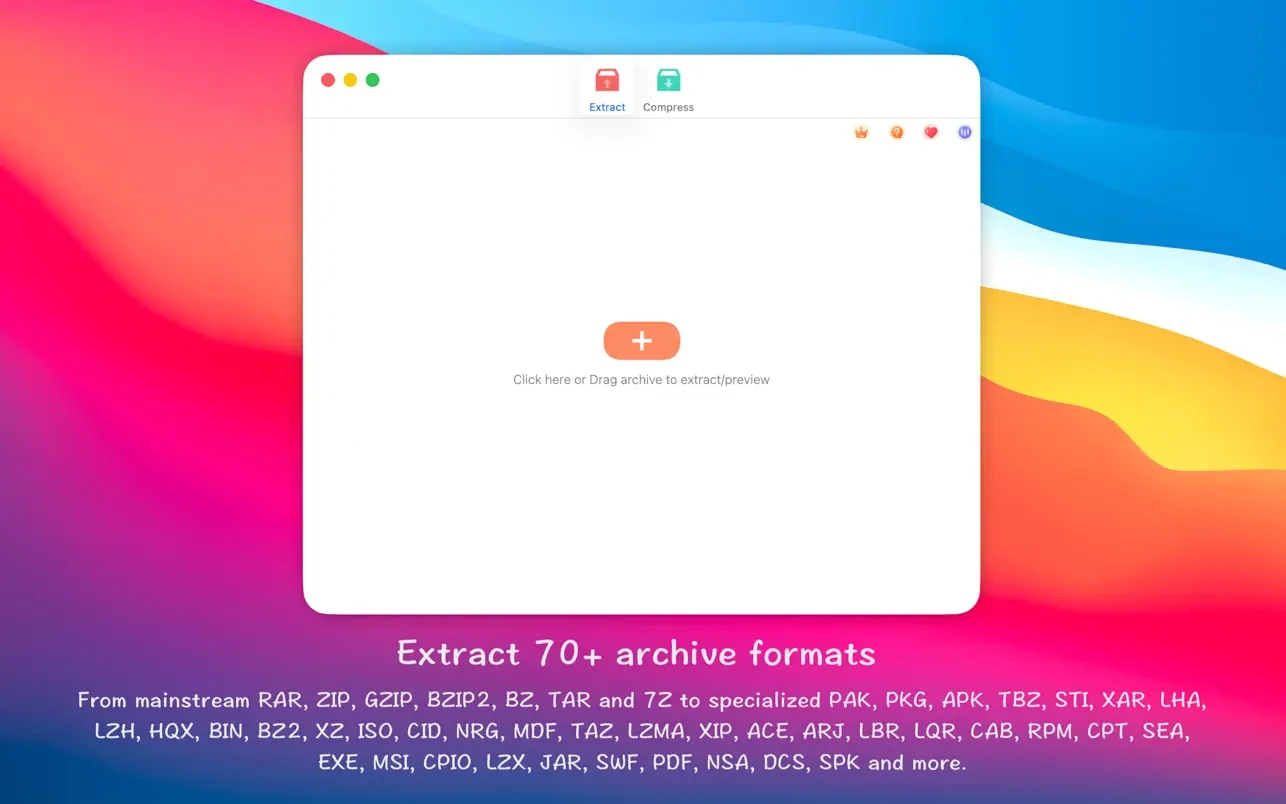
The majority of compressed file types (more than 50) may be extracted with RAR Extractor.
RAR, ZIP, 7z, pak, pkg, apk, tbz, sti, tar, xar, lha, lzh, hqx, bin, bz2, bzip2, bz, xz, iso, cid, nrg, mdf, taz, l zma, xip, ace, arj, lbr, lqr, cab, rpm, cpt, sea, exe, msi, cpio, lzx, jar, swf, pdf, nsa, dcs, spk…
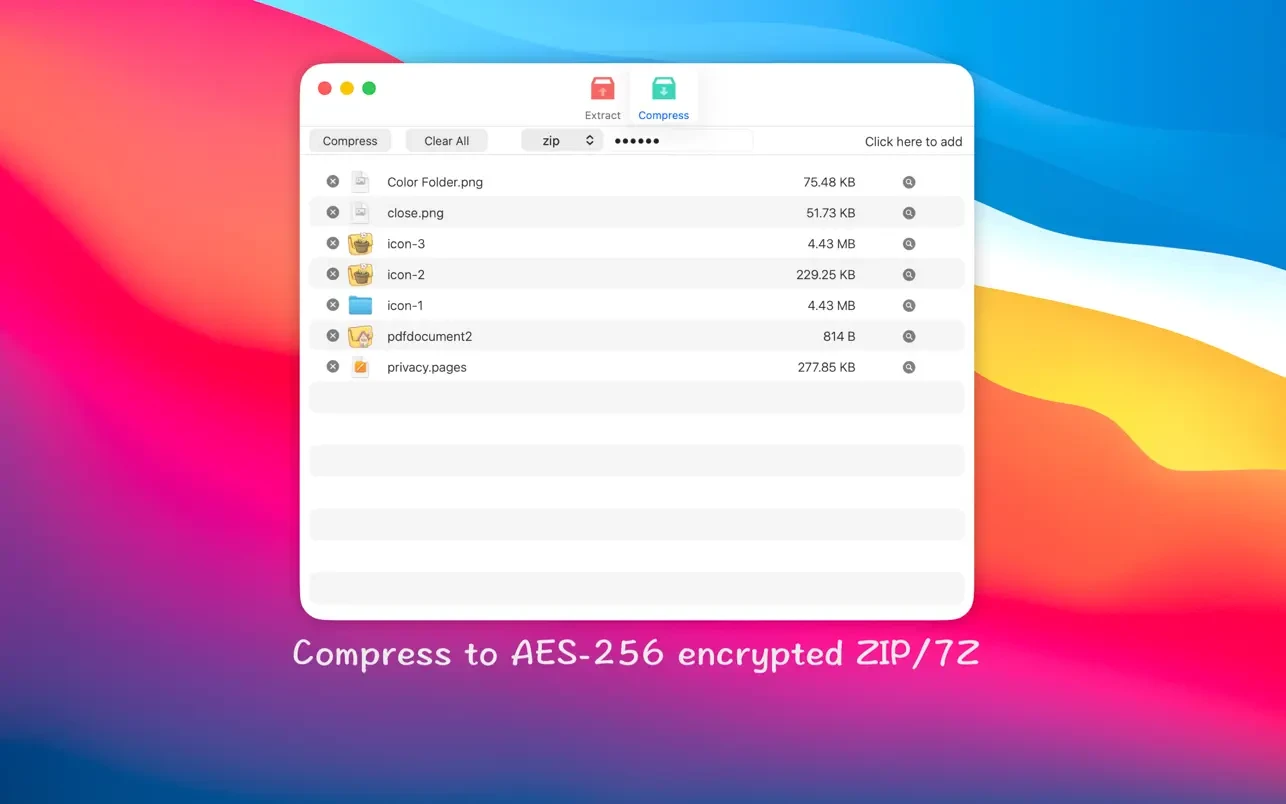
Compress files into 7Z and ZIP files that are password-protected.
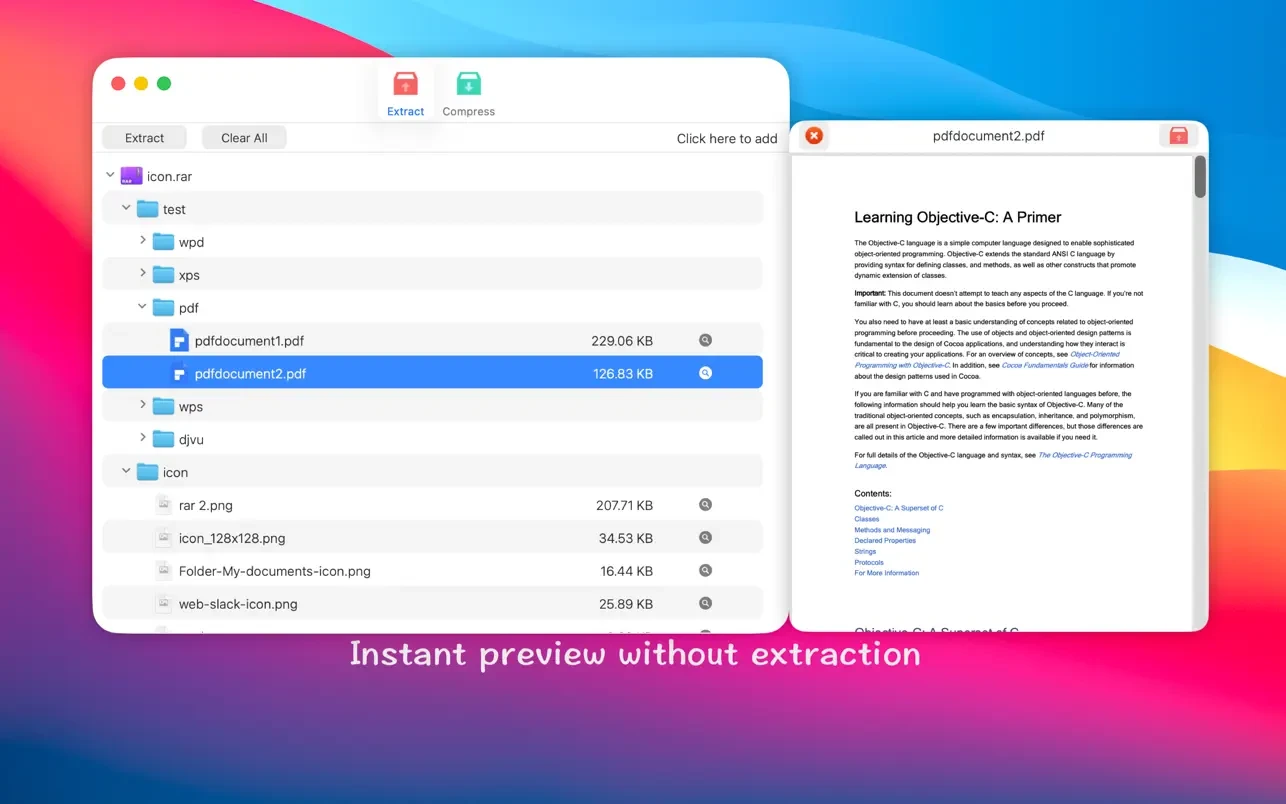
Examine archives before extraction
Features:
- Extract compressed files in more than 50 different formats.
- Unencrypted files should be unzipped.
- Easy access to the archive file list.
- Quickly look at files without unpacking in an archive.
- The chosen file or folder inside the archive should be unzipped.
- Once you have made this program your preferred archiver, double-click to display or extract right away.
- To extract or display archives directly, drag them to the dock icon.
- Unpacking several archives in bulk
- Make 7Z and ZIP files that are password-protected.
- ZIP and 7Z archives can be created using the AES256 encryption technique.
- To directly extract the archived file, drag it to your desktop.





Leave a Comment