


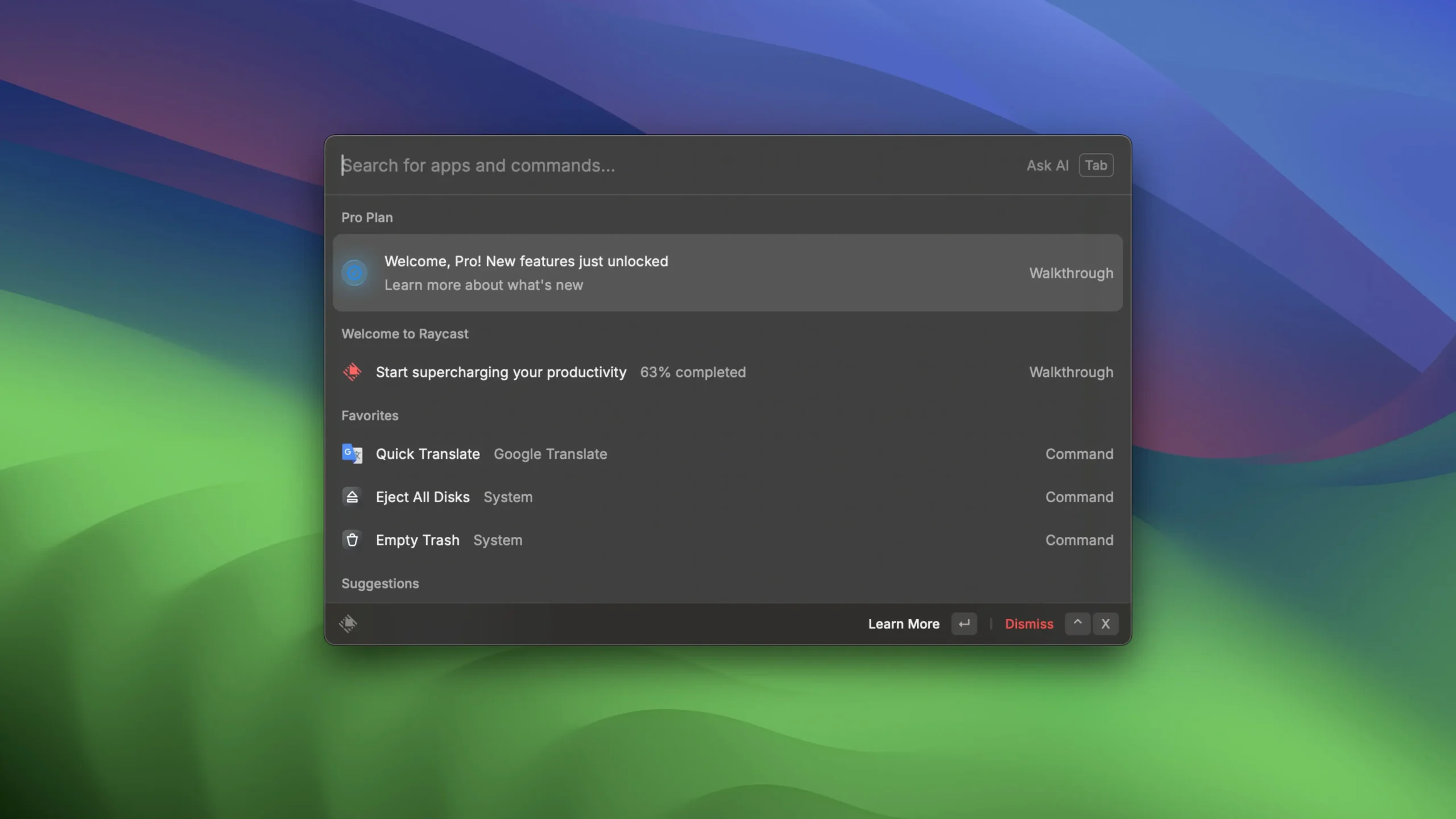
Raycast is a very quick and extensible launcher. You can share links, do computations, complete assignments, and much more. Raycast is a state-of-the-art program made to make your daily Mac work easier. With its tight integration into macOS, it functions as a personal assistant and is only a click away. Thanks to artificial intelligence, you can work more efficiently, code more quickly, and receive prompt responses.
Are you sick of switching between tools and browser tabs to finish tasks? Sometimes it takes too many clicks to do even the most basic tasks. However, Raycast only requires a few taps to control your tools. To cut through the clutter, the command-line-inspired interface groups tools into commands.
The UI of Raycast is renowned for being incredibly simple and intuitive to use. You may access all of the app’s features by just pressing⌥ + Space, which opens a floating interface.
This program’s built-in commands and shortcuts greatly speed up access to a variety of chores and particular Mac functionalities. Open the extensions menu, record a command, and you’re done if you want to run a custom command to define terms. This is applicable to any action that you wish to use commands to automate.
You can add your own script commands, including access to more than 400 scripts previously written by the Raycast community, if the built-in features aren’t sufficient.
Integrating Third-Party Apps:
Raycast can be integrated with third-party applications to run custom commands for actions within such applications. The ability to link your Google account to Raycast is an illustration of this. You may then use a custom command to search your Google Drive library or create a new Google document.
The possibility to link your Zoom account is another illustration. This will probably be useful if you are a remote team leader or a college professor who regularly arranges meetings. After connecting, you may use Teams to plan, initiate, and view meetings.
Additional Features:
- Suppose you wish to create a command that would take you to a particular webpage. You may accomplish that with the Quick Links function.
- Even the browser or app that you want the links to open in is an option. You may execute commands to see your calendar schedule and use the command to look for local files.
- Another fantastic feature of Raycast is floating notes. The floating notes window is ideal for people who have a rapid idea and wish to write it down.
- Once you’ve written a note, you may copy it to the clipboard, send it to someone over iMessage, or share it with Apple Notes.





Leave a Comment