
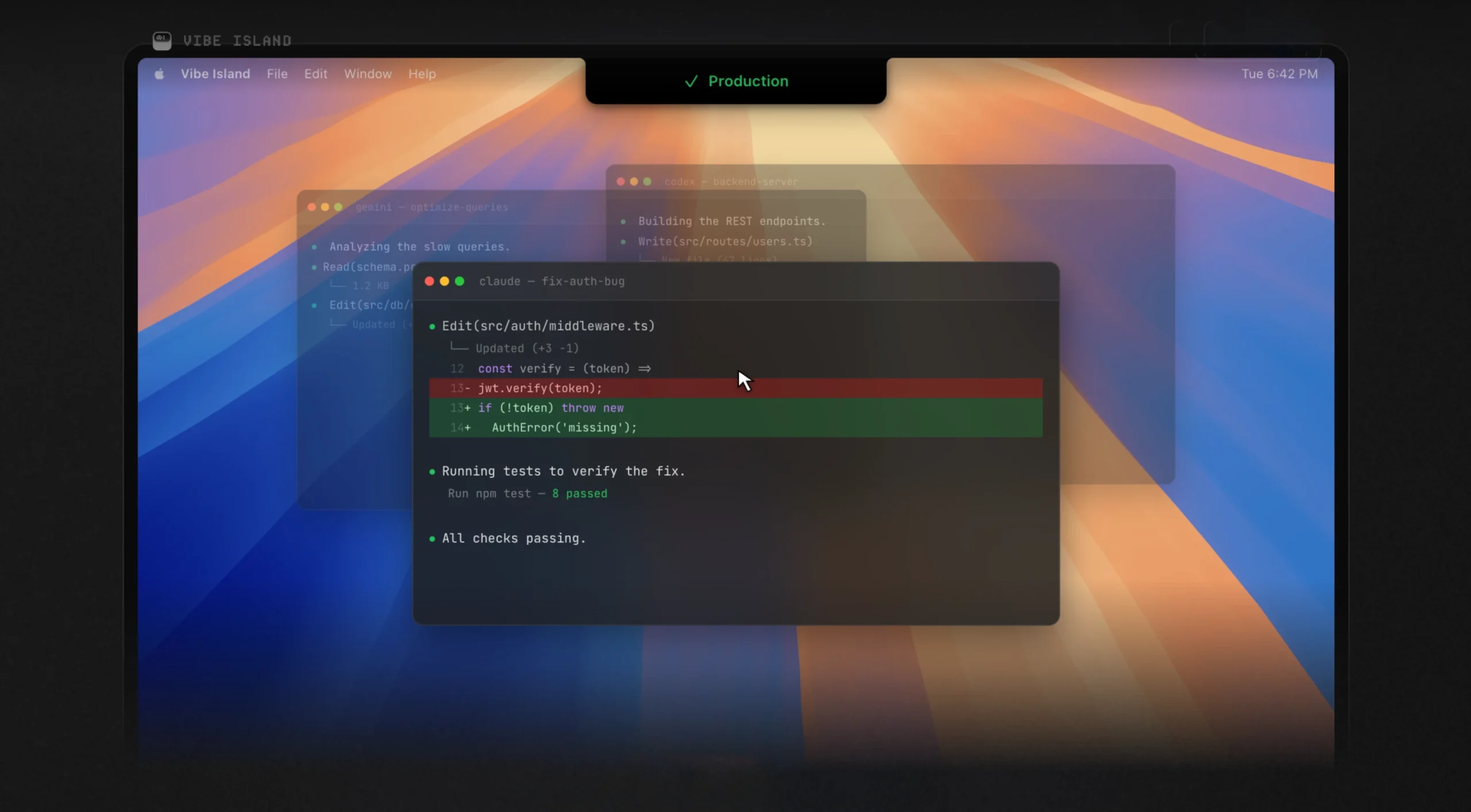
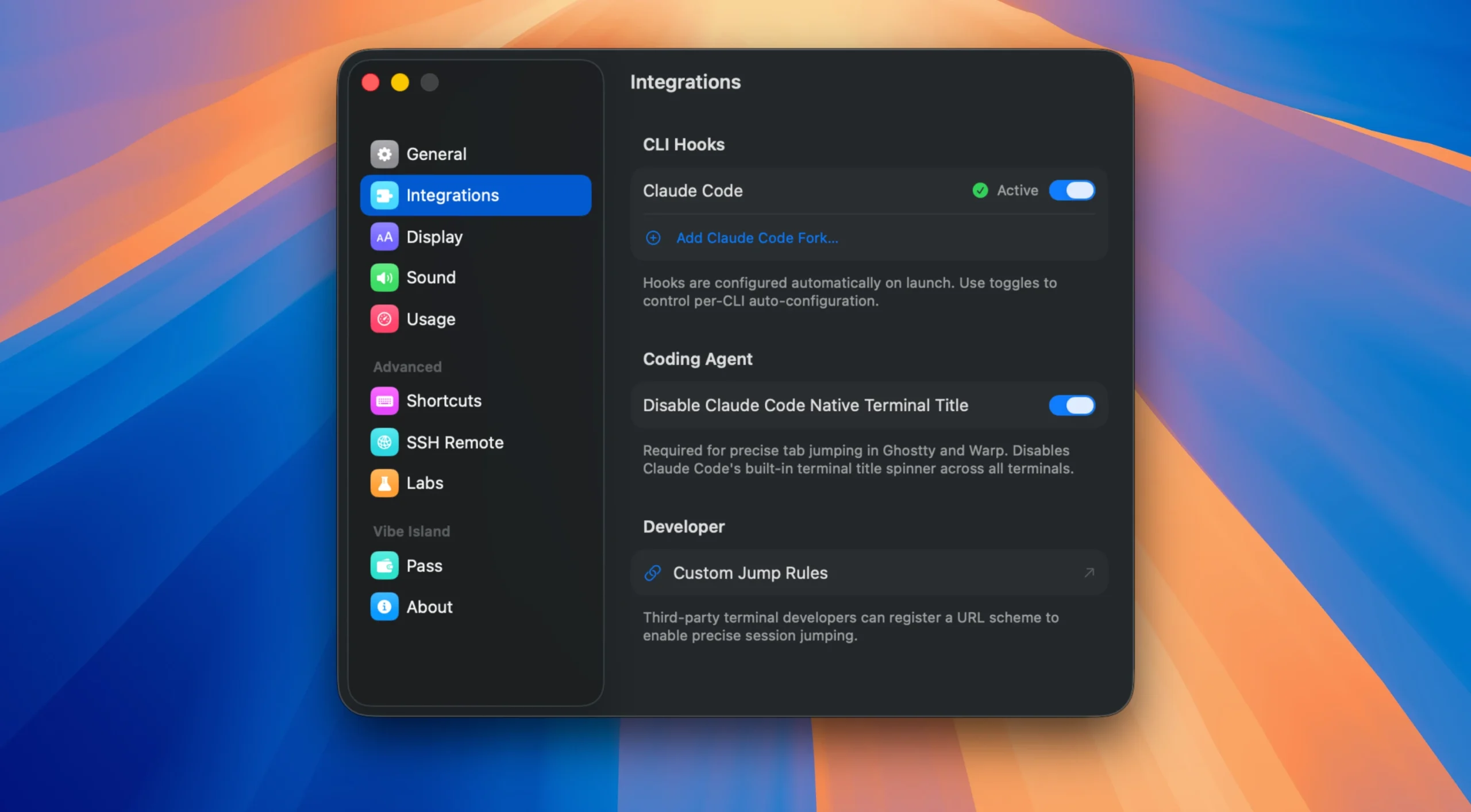
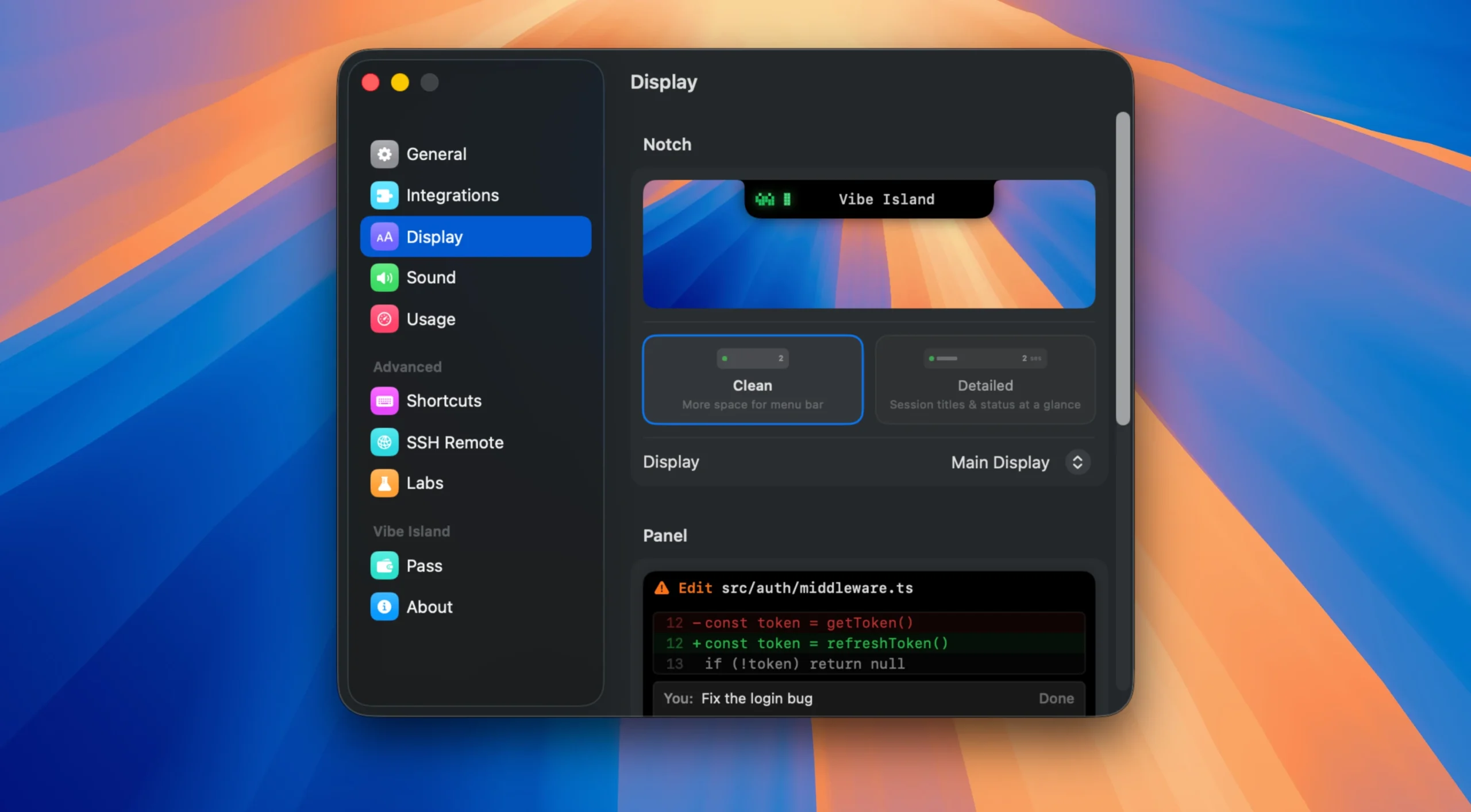
A program called Vibe Island transforms your Mac’s “notch” into a single command center for AI bots operating in the terminal. You may monitor progress, provide rights, and return to a single session straight from the camera view, eliminating the need to navigate between windows while Claude Code, Codex, Gemini CLI, Cursor, and other tools carry out operations.

Important Characteristics include:

Live Monitoring:

  • You can see in real time what your agents are doing, such as working, waiting, or finishing.

Instant Approvals:

  • Allows you to click “Allow” or “Deny” without ever leaving your flow by bringing authorization requests to the notch.

Precise Terminal Jump:

  • When you click on an agent’s notification on terminals like iTerm2, Ghostty, or Warp, it instantly refocuses your screen to the exact tab or split pane.

Resource-efficient:

  • Requires less than 50MB of RAM and runs natively on macOS without Electron.

Possibilities:

  • Claude Code, Codex, Gemini CLI, Cursor, OpenCode, Droid, Qoder, Copilot, CodeBuddy, and Kiro are the ten AI tools that may be used to monitor all agents in one location.
  • Every agent is shown in a single panel.
  • Approve activities without context switching: Allow/Deny buttons or answer options show up in the toolbar when Claude Code requests authorization to execute a tool or poses a query.
  • You don’t need to leave the editor to approve the action.
  •  Precise terminal leap: This feature allows you to jump to the precise tab you need in more than 13 terminals (iTerm2, Ghostty, Warp, Terminal.app, VS Code, Cursor, etc.) and even split-pane, including tmux sessions.
  • Planning and reviewing plans: give direct comments from the island and examine plans with full Markdown rendering before approval.
  • Sound alerts: each occurrence is accompanied by an 8-bit synthetic sound.
  • You can make your own sets or import your own.
  • Quota consumption tracking: Claude, Codex, and Kimi’s remaining requests are shown in real time without any extra settings.
  • SSH remote control: one-click deployment, auto-reconnection, multiple server support, and agent startup on distant servers with Mac monitoring.
  • Completely local—no cloud, no accounts, no telemetry—all data stays on your Mac. simply a direct link between agents and the “island.”


Details

Version 1.0.34
Developer Edward Luo
Activation (RG) K'ed by Antibiotics
Compatibility macOS 14 and later
Size 18 MB
Architecture ARM , x86 (64-bit)
Interface Language English , Simplified Chinese , Korean , French , Japanese

FAQ

Run the downloaded image and drag the application to the Applications folder shortcut. Once copying is complete, the application can be launched via Launchpad.
There are so many errors, we can't list them all here. Therefore, we've described all the solutions (with pictures) in the article: Errors when installing applications on a Mac
Official updates may result in loss of activation unless otherwise stated in the installation instructions. To update the software from this website, you must download the new version of the software from here (if available) and install it over the version currently installed on your computer. This will preserve your activation and settings for the software. Read more in the article: Updating pirated apps
To download large files, it is recommended to use any download manager, for example, FDM (Free Download Manager) For downloading from a file sharing service like Filen.io, it's not recommended to use Safari. Use Google Chrome or the aforementioned FDM browser, for example. To download files via torrent (.torrent file), you need a torrent client, such as Transmission or the aforementioned FDM. Please remember that providers may block access to some websites (1fichier.com, etc.). To bypass these blocks, it is recommended to use a VPN.
The site administration doesn't hack anything. That's the job of release teams and some enthusiasts. They're the ones responsible for ensuring updates are available. But you can hack software yourself by learning reverse engineering.
Definitely not in the comments. The site administration doesn't hack anything, and there's no order desk. However, you can order the software you need (not for free) in a special thread on forum.ru-board.com.
Open System Preferences -> General > Language & Region -> Applications - “+”. Select an app and language. This method works for most apps. The language in Adobe products is usually selected during the installation of the product itself. The language in games is usually changed in the game settings itself. There are exceptions. Don't hesitate to search for information online.
There are many options. The easiest is to use specialized app removal tools, such as App Cleaner & Uninstaller. To remove Adobe products, use the Creative Cloud Cleaner Tool .
The site offers a paid service: remote assistance (via AnyDesk, Zoom, Skype) with the installation of any applications (not just those from this site) on any Mac or PC. Learn more...

Leave a Comment

Version 1.0.34
Developer Edward Luo
Interface language English , Simplified Chinese , Korean , French , Japanese
Activation (RG) K'ed by Antibiotics
Compatibility macOS 14 and later
Architecture ARM , x86 (64-bit)
Size 18 MB
No threats found. Read more…
Published (edited): May 25, 2026 Views: 35


