
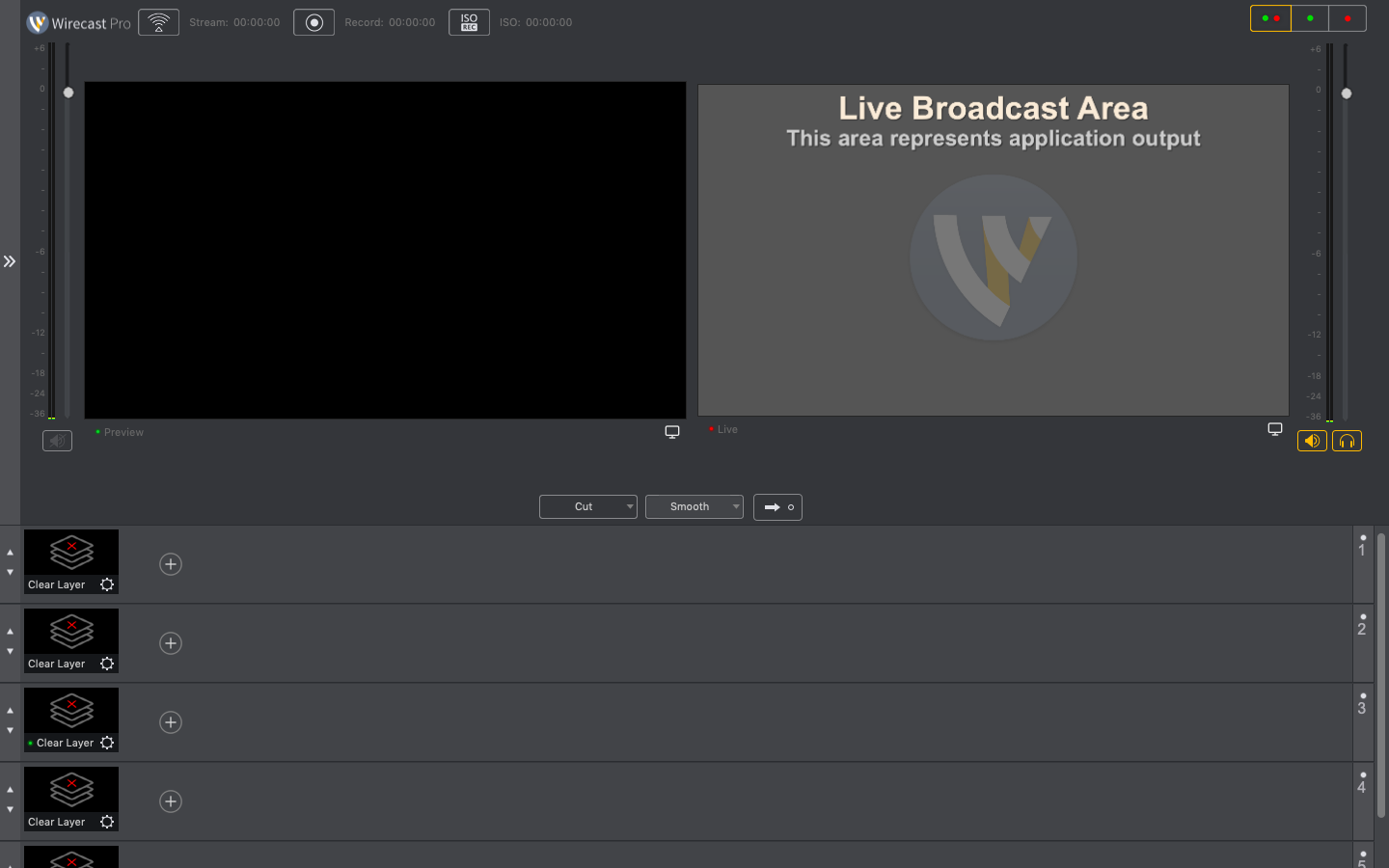
With Wirecast Pro, you can easily plan video broadcasts and capture any kind of event, including concerts, conferences, sporting events, and celebrations. In small television and production firms, it serves as the center of studio complexes where interviews, music videos, TV shows, and programs are recorded. For YouTube viewers, it is the best option.

Titles, graphic elements (backdrops, caches, etc.), table layouts for real-time sports competition scoring, and brand placement on the output television signal are all examples of graphic design.

Thirty professional title and caption styles are pre-installed in Telestream Wirecast Pro, and adding or changing text during the broadcast is simple and quick.

Unlimited Inputs:

Concurrently record live feeds from webcams, IP cameras, USB, HDMI, SDI, NDI, and mobile devices.

Integrated Conferencing:

With Wirecast Rendezvous, you can include up to seven distant visitors in your broadcast. Clocks, timers, immediate replay, live scoreboards, and configurable 3D virtual sets are examples of advanced production tools.

Professional Audio:

Provides up to eight separate audio track mixes, support for ASIO and CoreAudio devices, and multi-channel audio ingestion.

Cloud & Local Outputs:

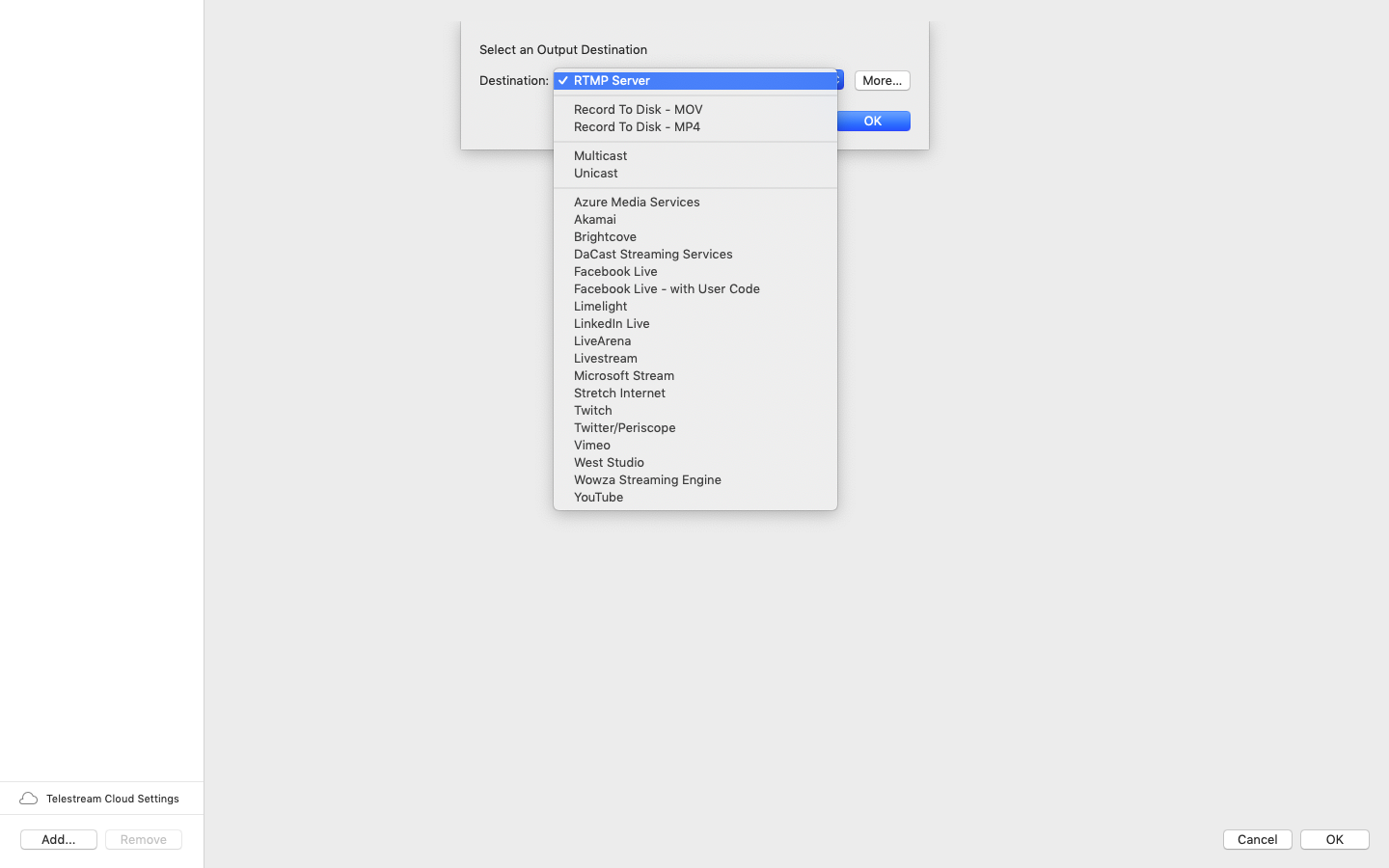
Stream simultaneously to an infinite number of locations (Facebook, YouTube, Twitch, custom RTMP/SRT).

Additionally, you may feed your output directly into Zoom, Teams, or WebEx by using the virtual camera capability.

ISO Recording:

For simpler post-production editing, record specific input sources straight to disk alongside your main program. PTZ Camera Control: PTZ (Pan-Tilt-Zoom) robotic camera native control interfaces.


Details

Version 16.5.2
Developer Telestream
Activation (RG) K'ed by TNT team
Compatibility macOS 11 and later
Size 820 MB
Architecture ARM , x86 (64-bit)
Interface Language English , German , Spanish , Italian , Traditional Chinese , Simplified Chinese , Korean , French , Japanese

FAQ

Mount the image and run Open Gatekeeper friendly. Press Enter to bypass Gatekeeper in the terminal window. Drag the application to the Applications folder. The application is ready for use.
There are so many errors; we can't list them all here. Therefore, we've described all the solutions.
Official updates may result in loss of activation unless otherwise stated in the installation instructions. To update the software from this website, you must download the new version of the software from here (if available) and install it over the version currently installed on your computer.
To download large files, it is recommended to use a download manager, for example, FDM (Free Download Manager) For downloading from a file-sharing service like Filen.io, it's not recommended to use Safari. Use Google Chrome or the aforementioned FDM browser, for example. To download files via torrent (.torrent file), you need a torrent client, such as Transmission or the aforementioned FDM. Please remember that providers may block access to some websites (1fichier.com, etc.). To bypass these blocks, it is recommended to use a VPN.
The site administration doesn't hack anything. That's the job of release teams and some enthusiasts. They're the ones responsible for ensuring updates are available. But you can hack software yourself by learning reverse engineering.
Definitely not in the comments. The site administration doesn't hack anything, and there's no order desk. However, you can order the software you need (not for free) in a special thread on forum.ru-board.com.
Open System Preferences -> General > Language & Region > Applications— “+”. Select an app and language. This method works for most apps. The language in Adobe products is usually selected during the installation of the product itself. The language in games is usually changed in the game settings itself. There are exceptions. Don't hesitate to search for information online.
There are many options. The easiest is to use specialized app removal utilities, such as App Cleaner & Uninstaller. To remove Adobe products, use the Creative Cloud Cleaner Tool.
The site offers a paid service: remote assistance (via AnyDesk, Zoom, or Skype) with the installation of any applications (not just those from this site) on any Mac or PC.

Leave a Comment

Version 16.5.2
Developer Telestream
Interface language English , German , Spanish , Italian , Traditional Chinese , Simplified Chinese , Korean , French , Japanese
Activation (RG) K'ed by TNT team
Compatibility macOS 11 and later
Architecture ARM , x86 (64-bit)
Size 820 MB
No threats found. Read more…
Published (edited): May 18, 2026 Views: 9


